
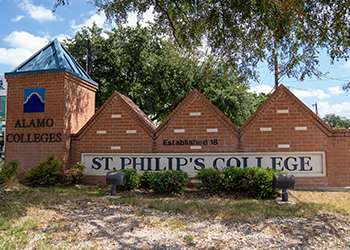




SPC Logos
If you would like to request a copy of our SPC Logos, please contact spc-pr@alamo.edu or call 210-486-2100.
- The SPC logo is a graphic file of the College's name. It should be used on all print and electronic materials sent within the College and to the public.
- The SPC logo should never be taken from another web page for use on a print document. The resolution will not be the quality required for a printed copy.
- When placing and resizing your logo on a document, please hold the "Shift" key to maintain the logo's proportion.
- The SPC logo may not be distorted, altered, or combined with other elements
For more information, please review the Alamo Colleges – St. Philip's College Brand Standards Guide. View Brand Standards Guide. If you have any questions, please contact us at 210-486-2100.